

How to clean a laptop?
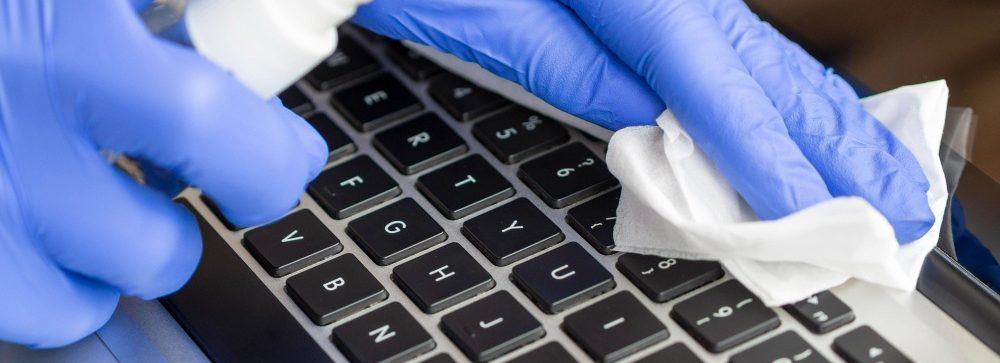
How to clean a laptop? Dust, dirt, leftover food, etc., all this gets one way or another on your laptop, its keyboard, etc.
To clean the laptop, you can use the following means:
Soft microfiber cloth
For cleaning the screen and laptop case from dust and dirt. It is important that the napkin is soft and does not contain lint, so as not to damage the surface.
Special means for cleaning screens
They will help remove fingerprints and other stains on the screen. It is worth using tools that are suitable for a specific type of screen (for example, matte or glossy).
Mouse mat
If you use a mouse, a mouse pad will help keep it clean and prevent wear and tear on the surface of the table or workplace.
How to clean a laptop? – Storage pocket (bag)
If you keep your laptop in a bag, you should make sure that it is clean, as dirt and dust can enter the laptop through the walls of the bag.
It is important not to use abrasives (such as toothpaste or a file) to avoid damaging the surface of the laptop
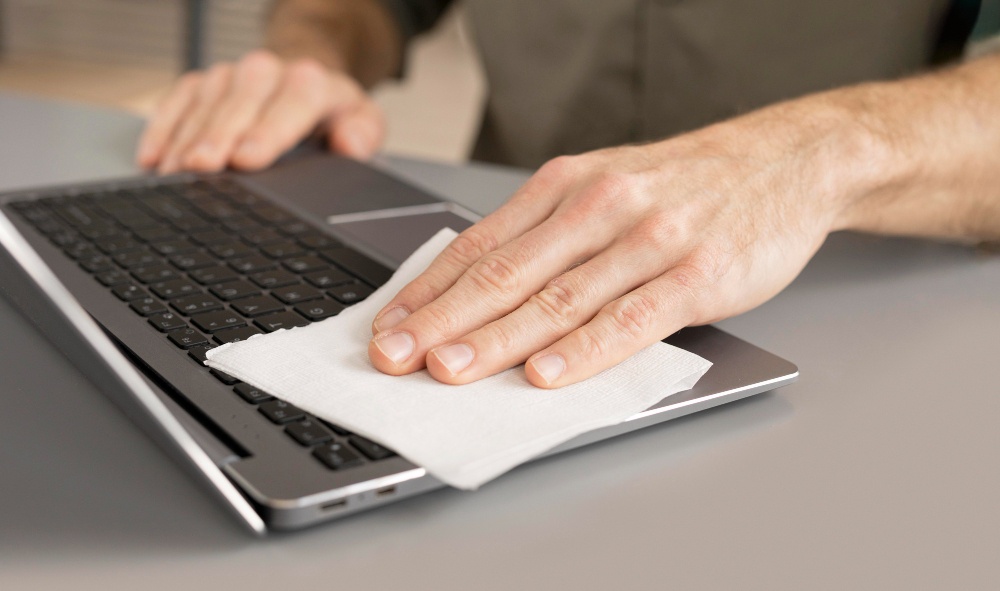
The keyboard and touchpad may need a more thorough cleaning
For this, you can use a special spray for cleaning electronics or an alcohol solution. But it is important to use these tools carefully so as not to damage the keys or touchpad.
If you want to keep your laptop running at its best, it’s worth turning to professionals for preventative maintenance. This will help clean the laptop from dust and other contamination, check the operation of the fan and thermal paste. Thus, increase the service life and extend the life of your laptop.
We strongly recommend that you follow the manufacturer’s instructions and use caution when using any cleaning products to prevent damage to your laptop.