

What Types of Memory Does a Computer Have?
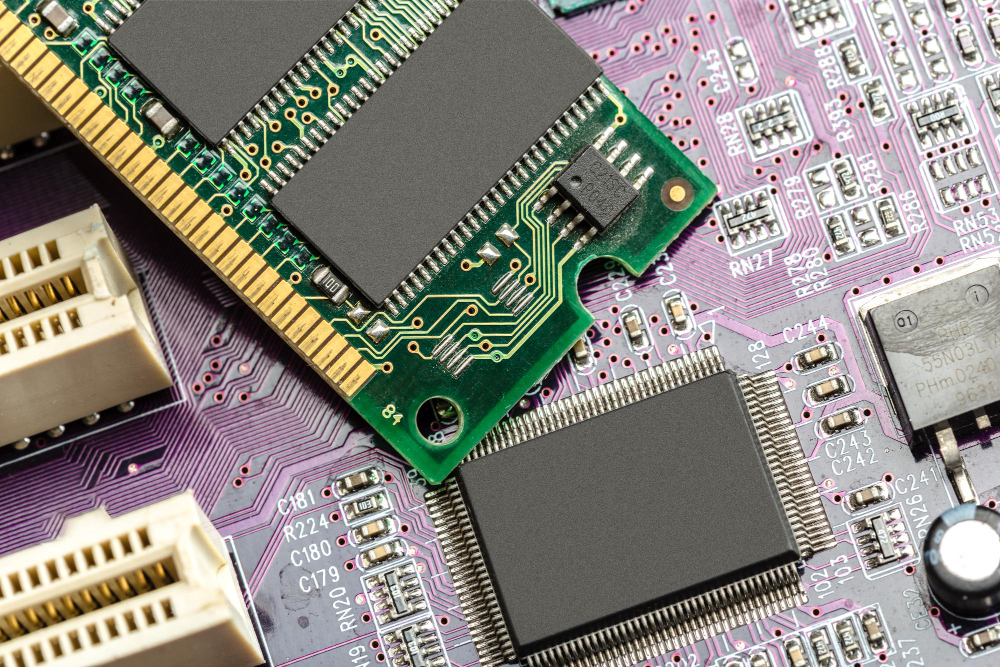
What Types of Memory Does a Computer Have? Computer memory is one of the most critical components of modern computing systems. It serves various functions and plays a key role in ensuring a computer’s functionality and performance. In this article, we’ll explore the different types of computer memory and their purposes. Let’s dive into the types of memory a computer has.
Random Access Memory (RAM)
Random Access Memory, or RAM, is one of the core components of a computer’s memory. It is used for temporarily storing data and programs that are actively in use at any given moment. RAM provides real-time access to information and ensures quick retrieval. The larger the RAM capacity, the more data it can hold, resulting in better performance, especially when running demanding applications or games.
Video Random Access Memory (VRAM)
Video Random Access Memory, or VRAM, is dedicated to storing graphical data such as textures, models, and video frames. It is particularly important for gaming and graphic applications, as it directly impacts the quality and speed of graphic rendering. A larger VRAM capacity allows the graphics card to handle substantial amounts of graphical data effortlessly, enhancing detail and realism in visuals.
Which Memory Loses All Data After the Computer Is Turned Off?
All data disappears from both Random Access Memory (RAM) and Video Random Access Memory (VRAM) after the computer is powered off.
Hard Disk Drive (HDD) and Solid-State Drive (SSD)
Hard Disk Drives (HDDs) and Solid-State Drives (SSDs) are used for permanent data storage. HDDs offer large storage capacities but have slower data access speeds compared to SSDs. SSDs, while typically offering less storage space, are exceptionally fast and ideal for loading operating systems and games.
Cache Memory
Cache memory is a small but extremely fast type of memory used to store the most critical and frequently accessed data. It speeds up access to this data, boosting overall system performance.
Read-Only Memory (ROM)
Read-Only Memory (ROM) contains essential startup information and software that cannot be altered. For instance, it stores the BIOS (Basic Input/Output System), which loads when the computer is powered on. ROM is also used to hold operating systems and other system-level programs.
What Types of Memory Does a Computer Have? In conclusion, computer memory plays a vital role in ensuring the functionality and performance of computing systems. Different types of memory serve distinct purposes and work together to enable efficient operation across various tasks, including data processing, graphics rendering, and program execution. Understanding the role of each memory type helps users select the right configuration for their needs and optimize their computer’s performance.